Choose a template type
Pick individual sections and mix them freely, or grab a complete website template for your industry.
Section Templates
Navbars, heroes, pricing tables, footers… single blocks split by page section, ready to assemble into new pages.
Industry Sites
E-commerce, AI, SaaS, portfolios… complete website templates from every industry, a full page in one go.
Latest industry sites
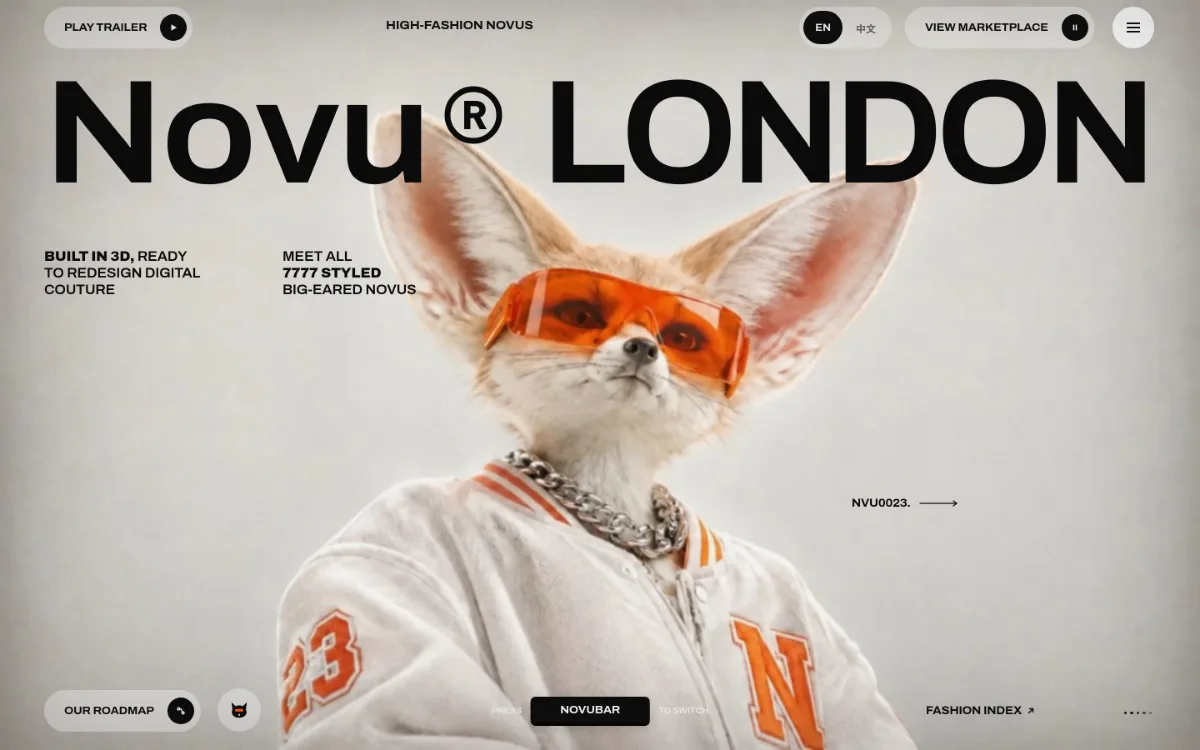
Novu® London · Scroll-Orbit Fashion Landing
E-commerce · Fashion / Scroll-scrubbed video / WebCodecs
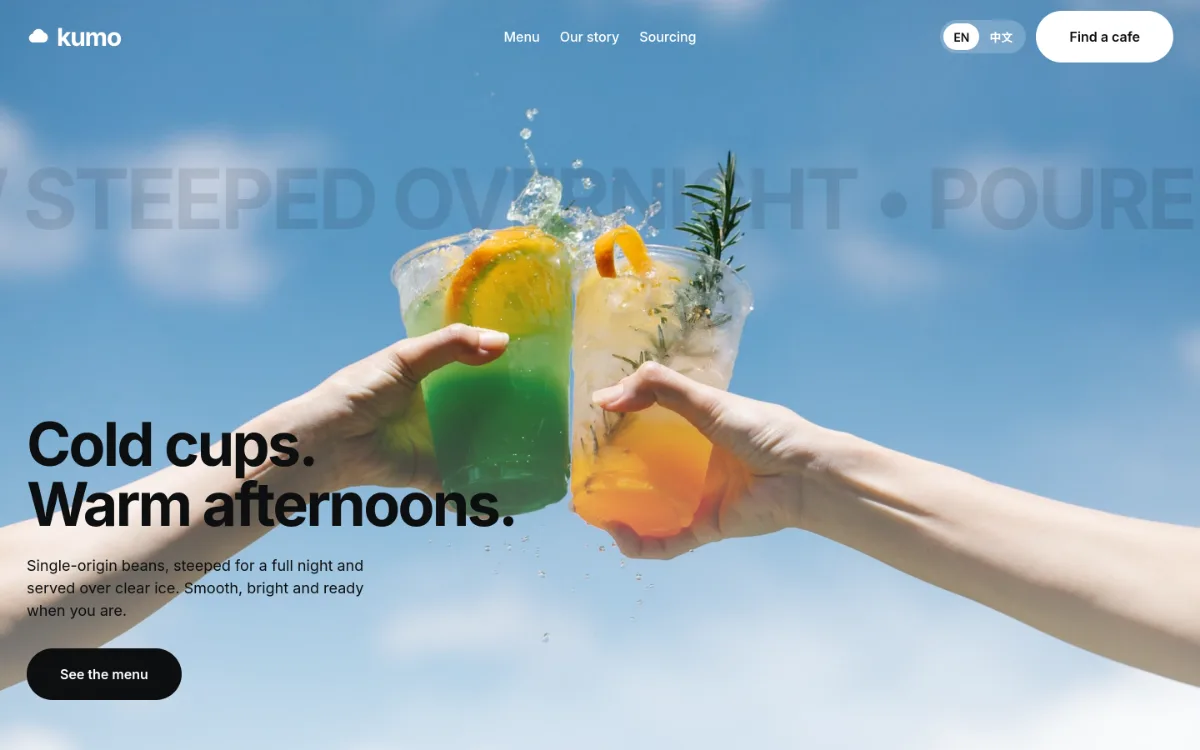
Kumo · Sky-Blue Cold Brew Café Site
Food & drink · Sky-blue hero photo / Pastel product cards / Faded ticker headline
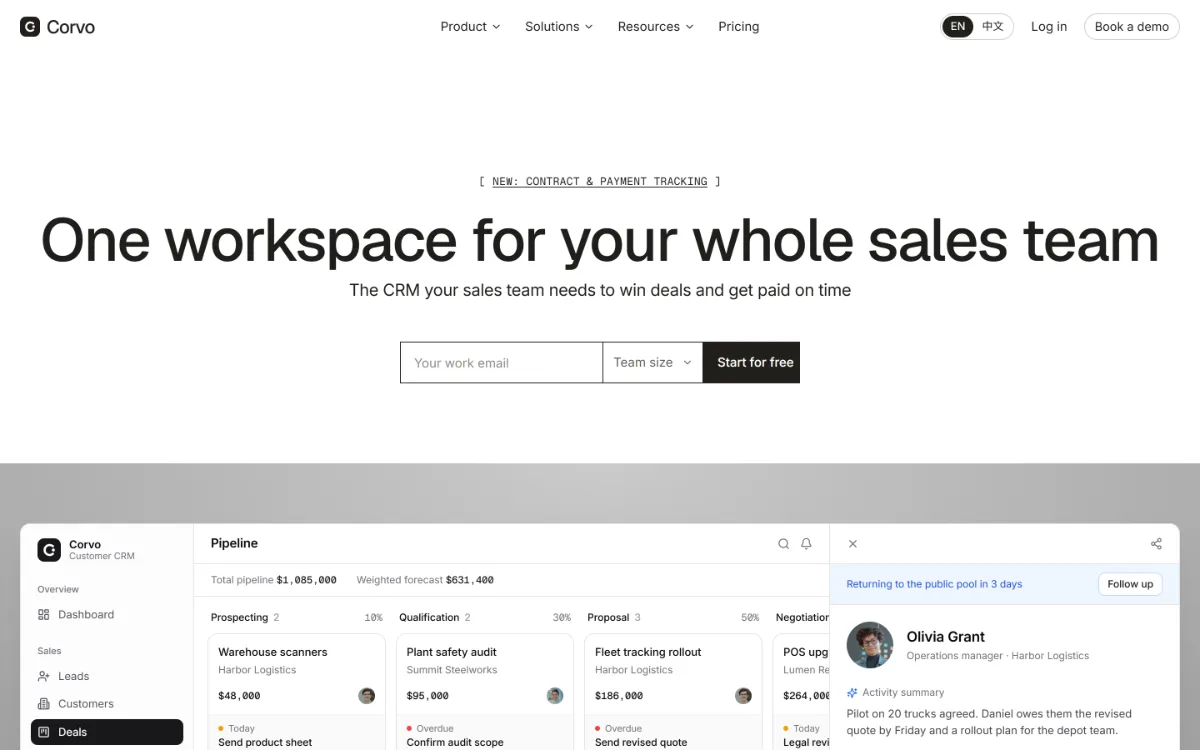
Corvo · CRM Landing Page + Sales Console
SaaS · Landing page + app / CRM / Hairline grid
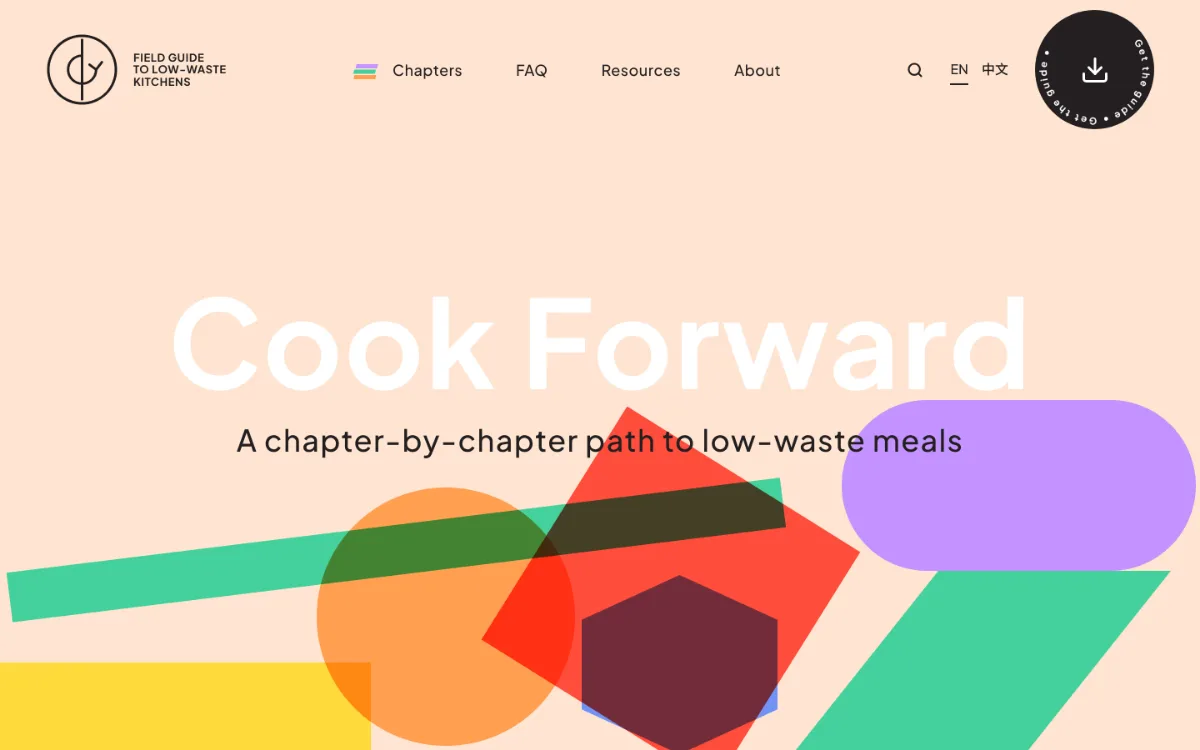
Cook Forward · Geometric Education Guide Landing Page
Education · Peach background / Geometric shapes / Full-bleed color blocks
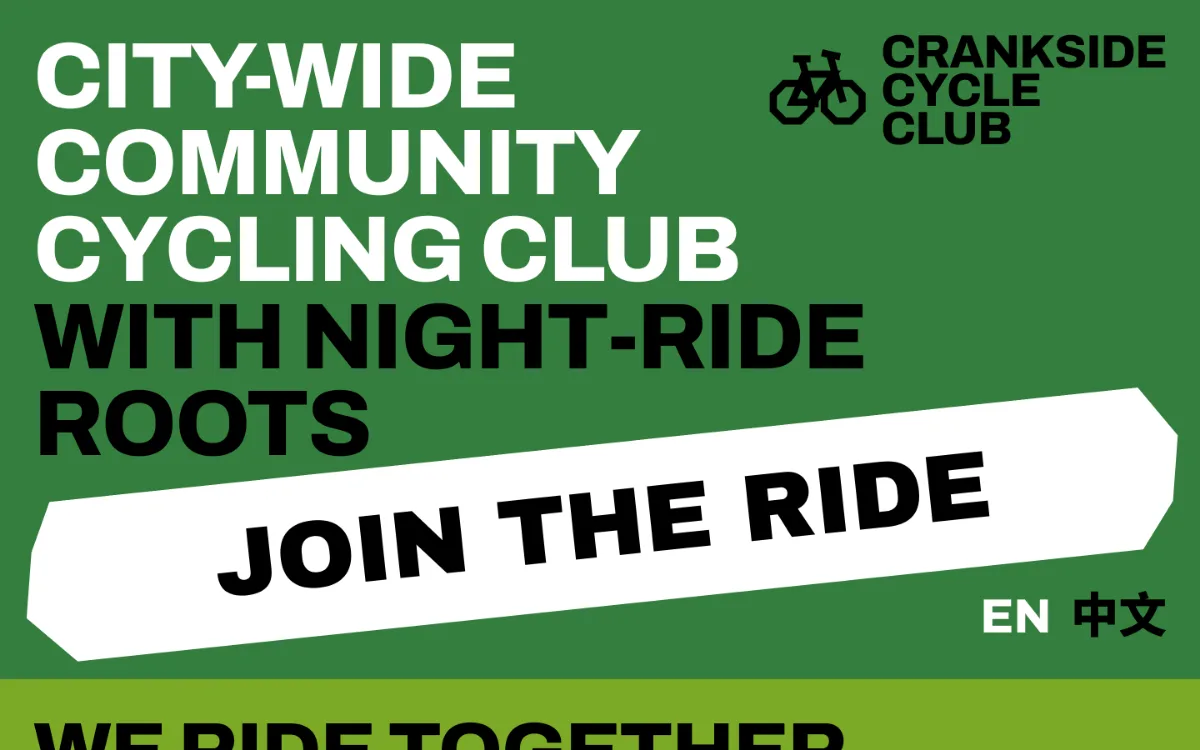
Crankside Cycle Club · Green Poster Membership Club Page
Other · Full-bleed green / Uppercase poster type / Tilted strip button
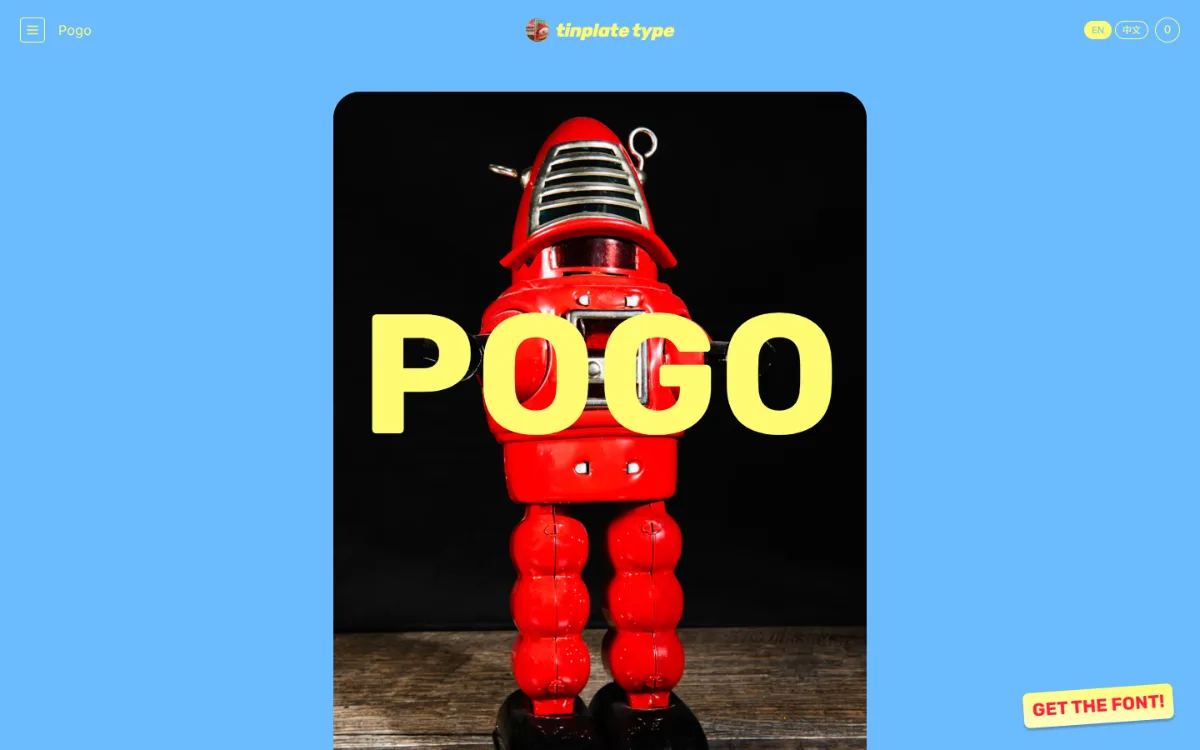
Pogo · Toy-Color Font Specimen Page
Other · Type specimen / Color-block rotation / Giant display type
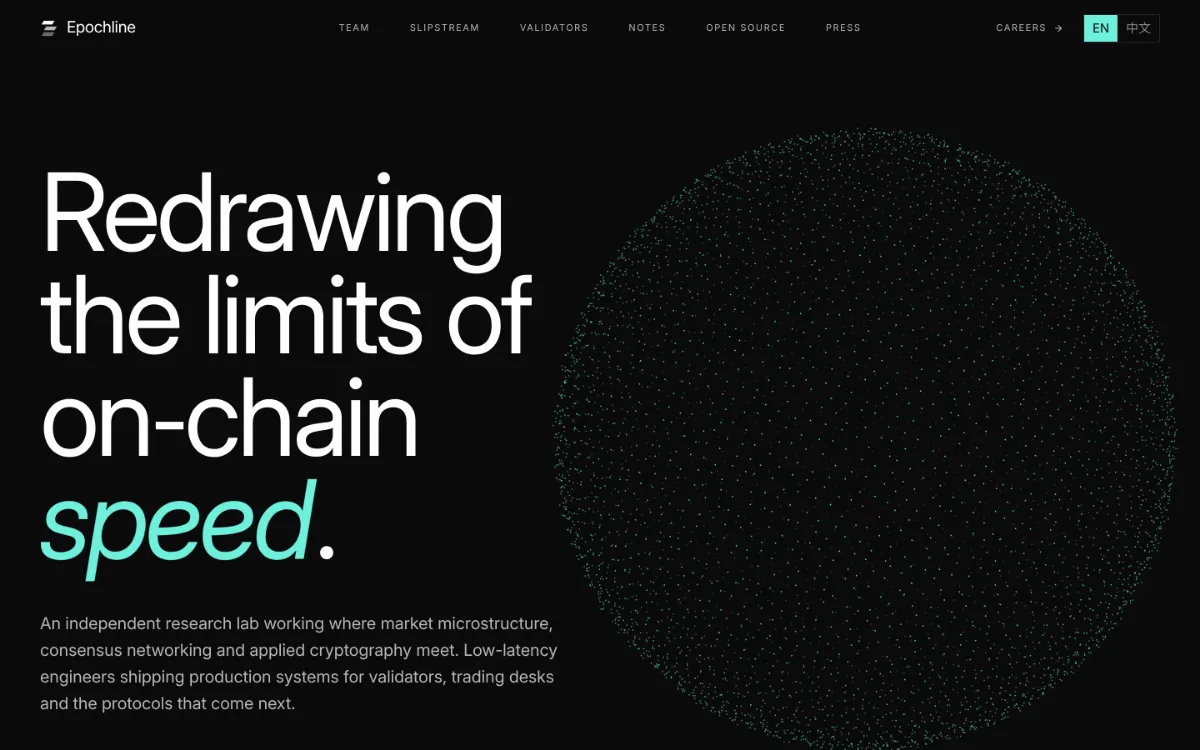
Epochline · Dark Dot-Field Web3 Research Lab Site
Web3 · Dark / Mint accent / Dot-matrix canvas
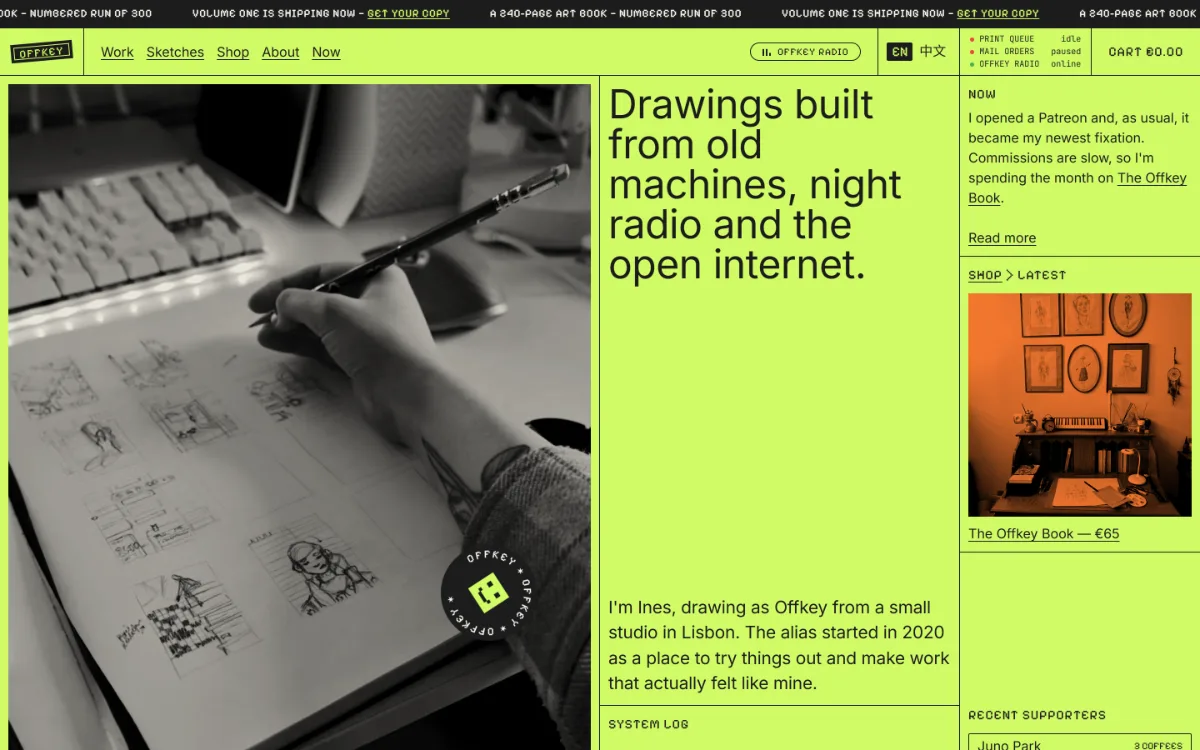
Offkey · Neon Editorial Illustrator Studio Site
Portfolio · Neon green & black / Editorial line grid / Pixel display type
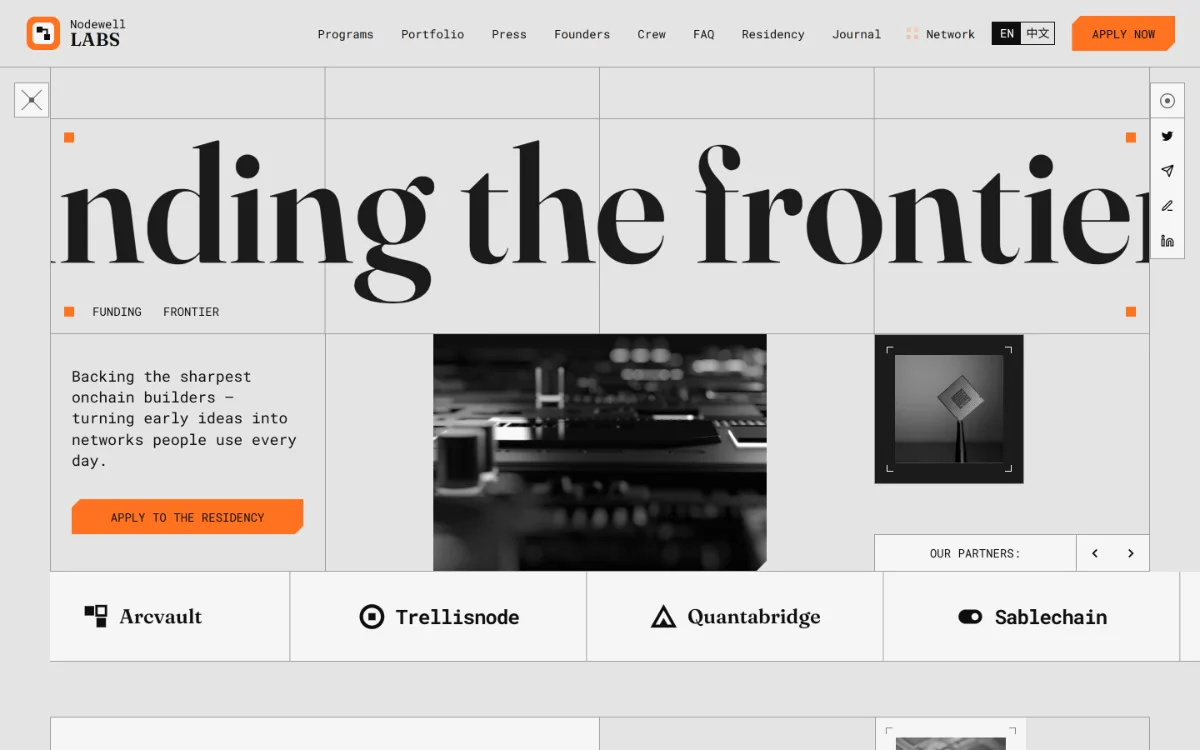
Nodewell Labs · Serif Hairline-Grid Web3 Accelerator Site
Web3 · Light grey hairline grid / Serif display type / Orange notched buttons
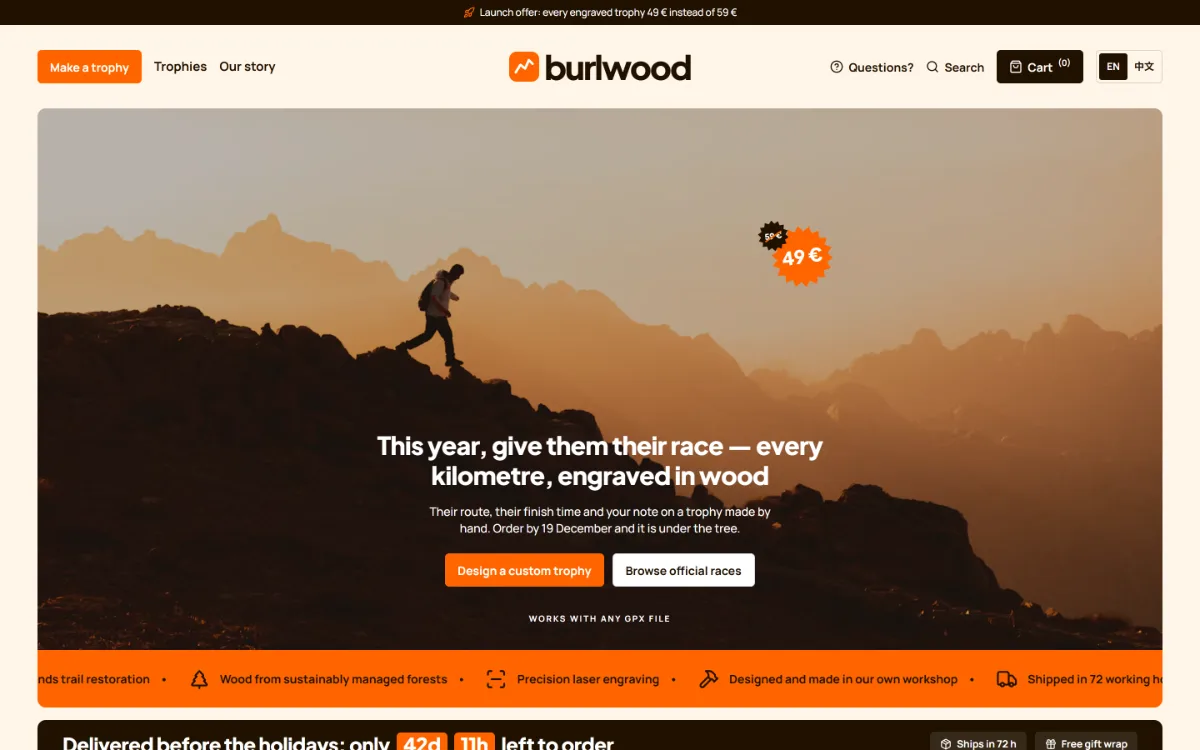
Burlwood · Cream & Orange Engraved Trophy Shop
E-commerce · Cream & orange / Colour-block sections / Rounded photo hero
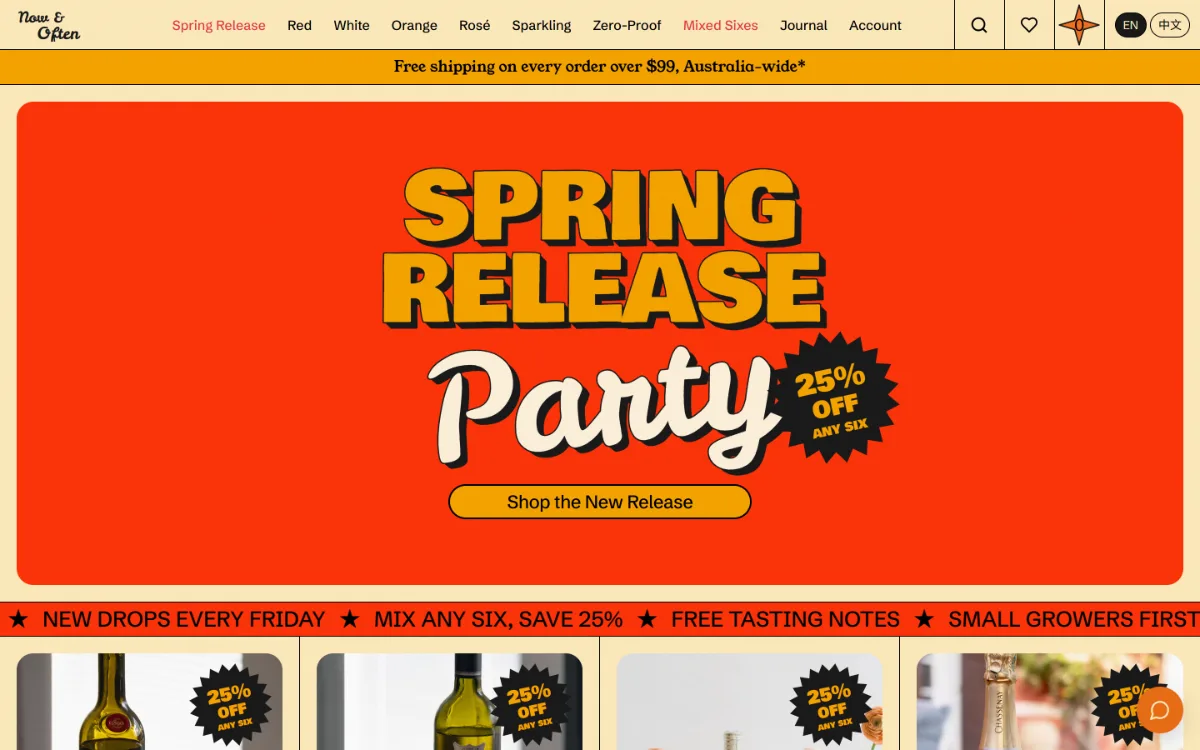
Now & Often · Retro Poster Wine Shop
E-commerce · Cream & tomato red / Retro poster lettering / Starburst stickers
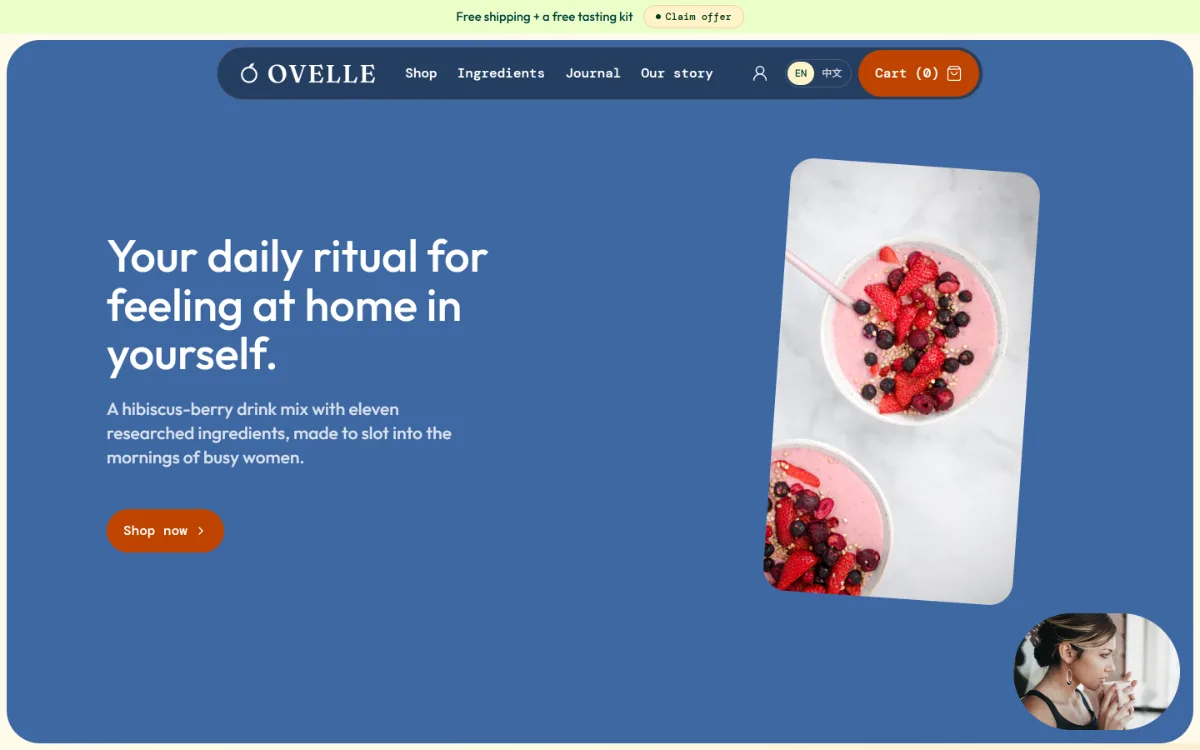
Ovelle · Colour-Block Women's Wellness Drink Site
Health · Rounded colour blocks / Breakfast and tea photos / Ingredient pill marquee
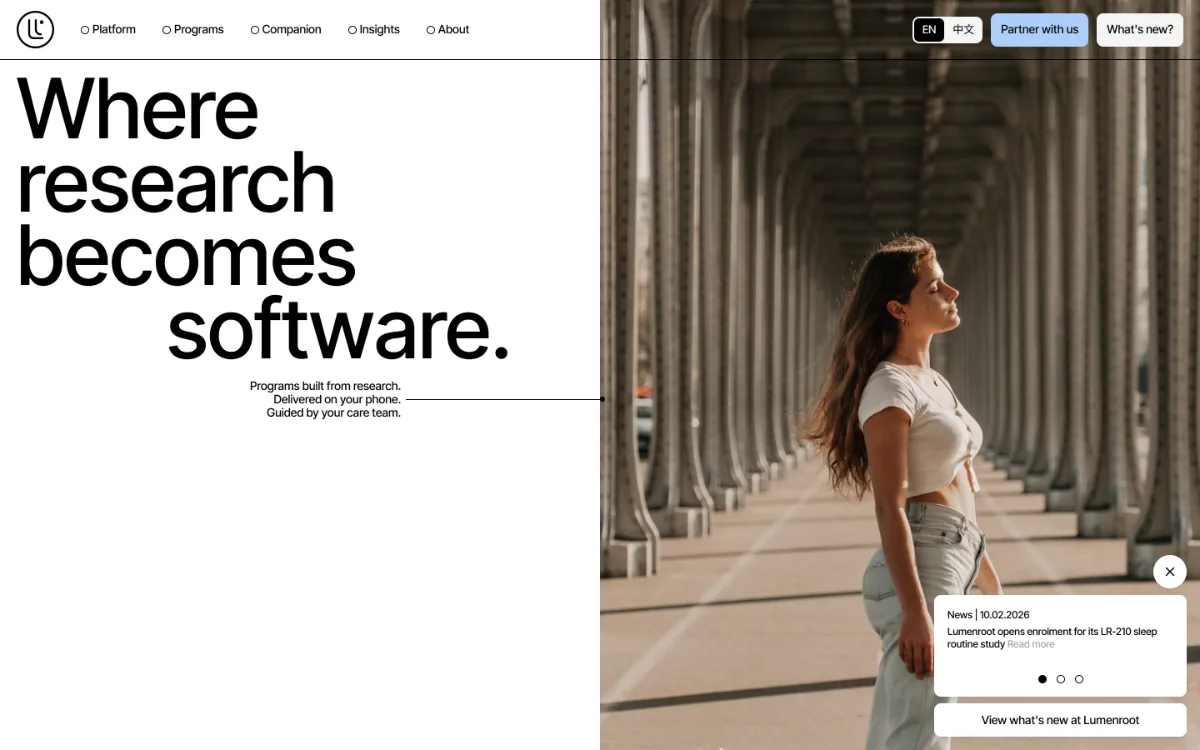
Lumenroot · Sunlit Editorial Digital Therapeutics Site
Health · Editorial photography / 100px grotesk headline / Mint and sky colour blocks
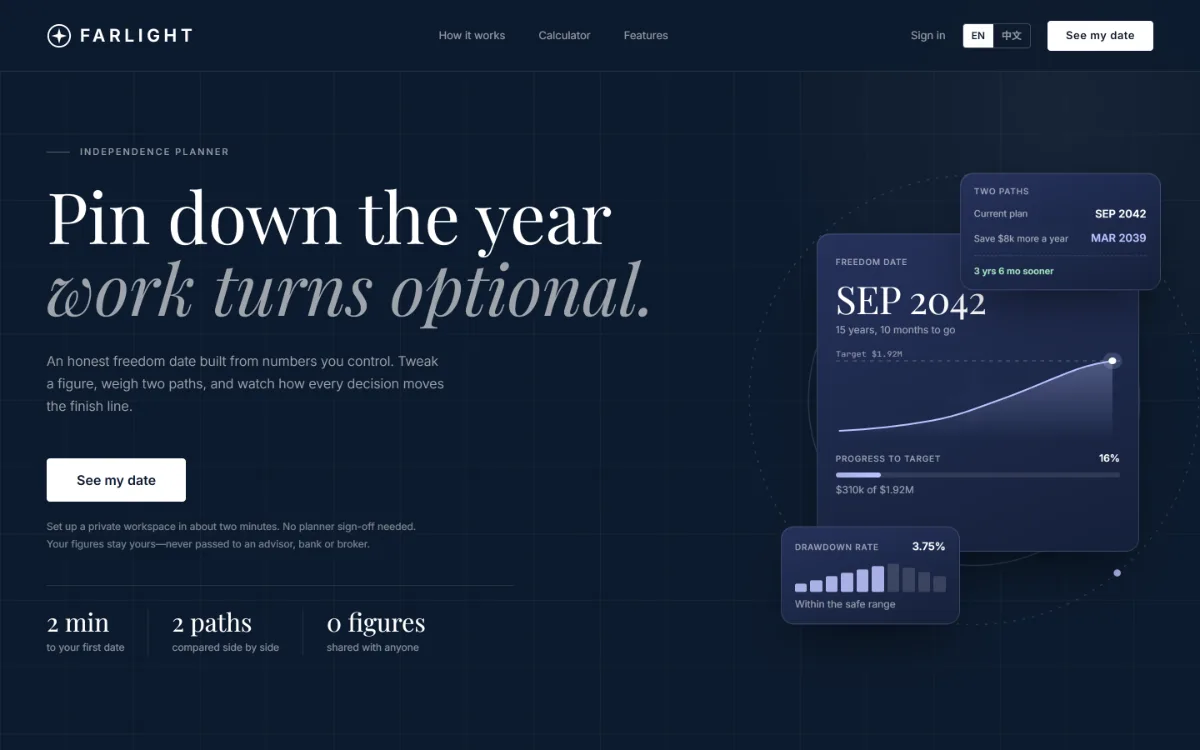
Farlight · Navy Serif Freedom-Date Planner Landing Page
Fintech · Navy / Serif italic accents / Grid background
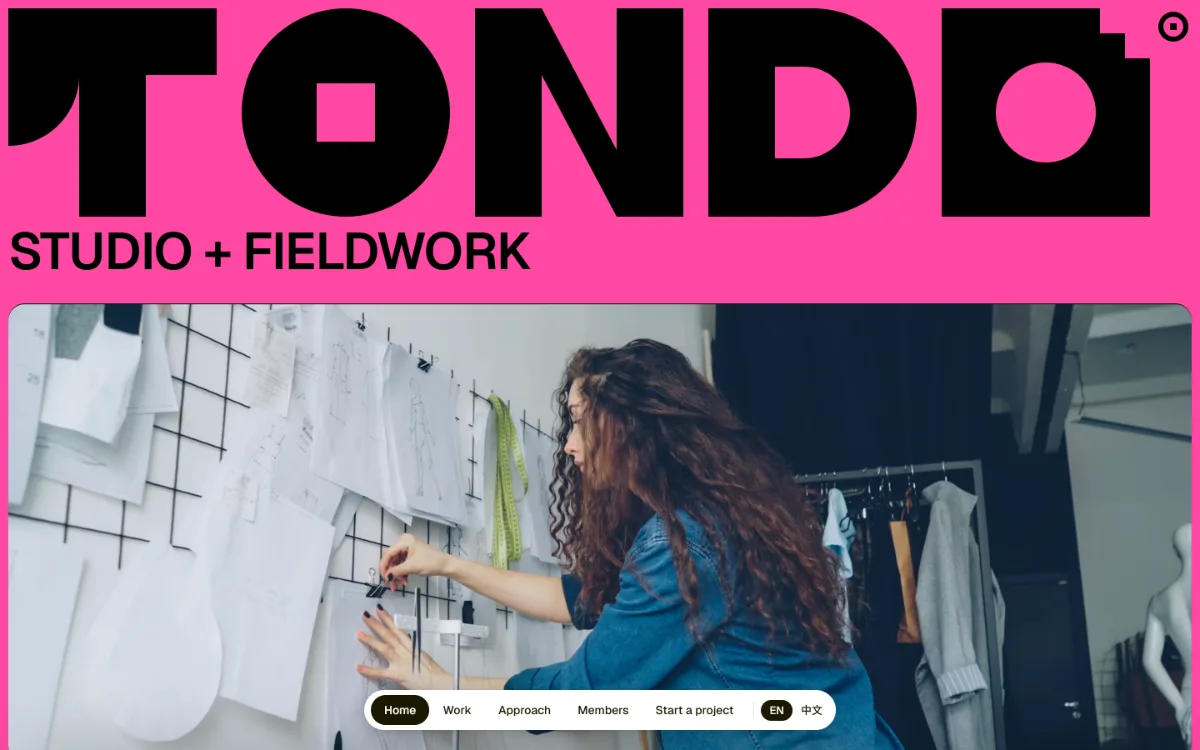
Tondo · Magenta Geometric-Wordmark Studio & Collective Site
Portfolio · Full-bleed magenta hero / Geometric wordmark / Curtain scroll
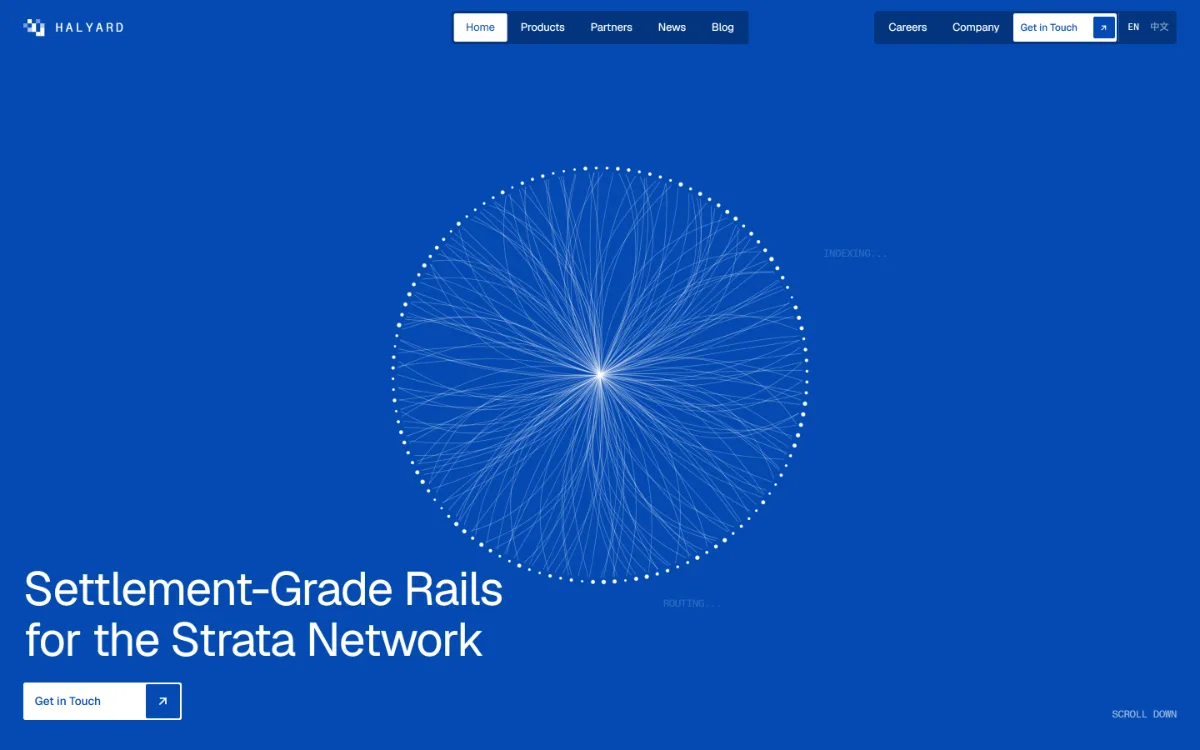
Halyard · Cobalt Pixel-Seam Web3 Infrastructure Site
Web3 · Cobalt blue / Radial line orb / Pixel-cube transitions
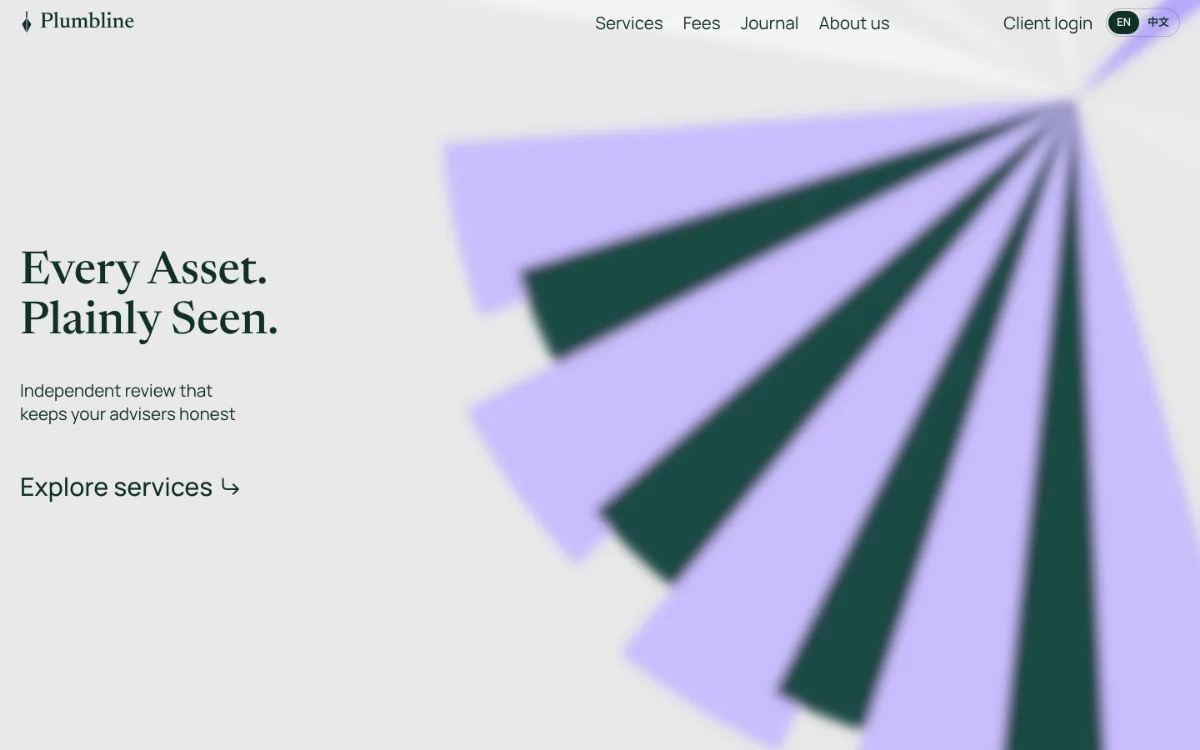
Plumbline · Lilac Fan Serif Wealth Oversight Site
Fintech · Light / Serif headings / Lilac & pine
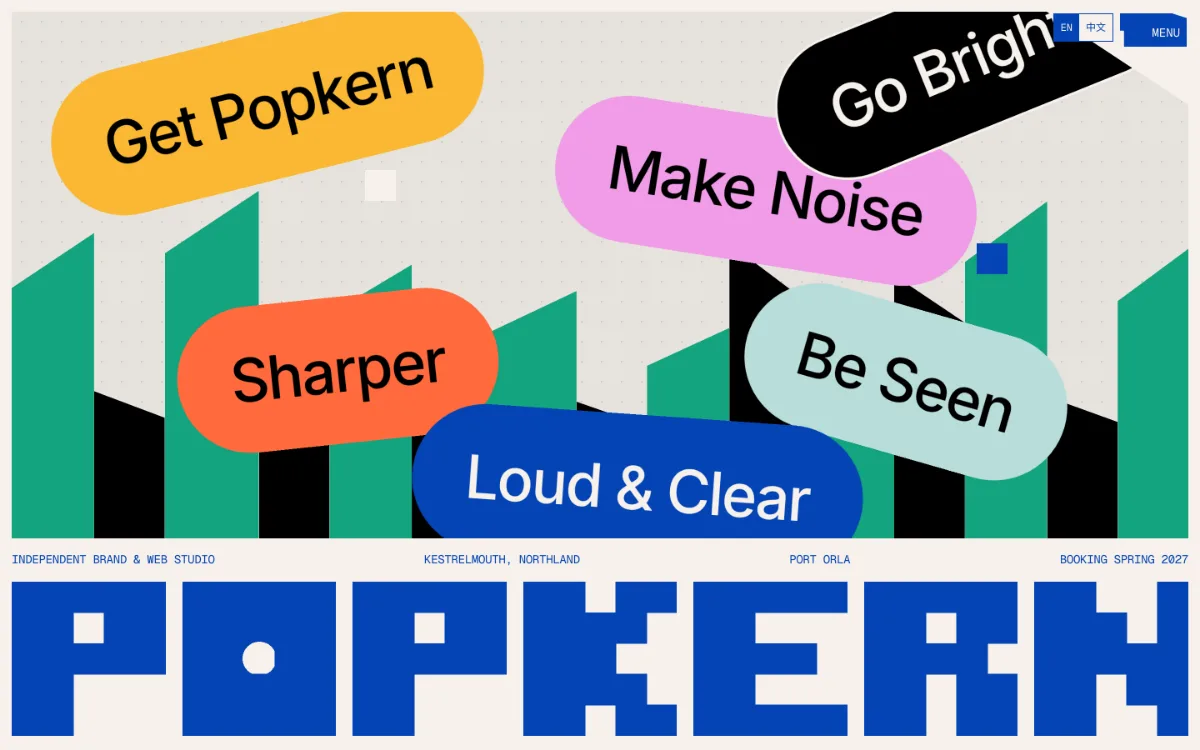
Popkern · Pixel-Block Pinned Studio Site
Portfolio · Pixel block wordmark / Cobalt blue & cream / Pinned scroll scenes
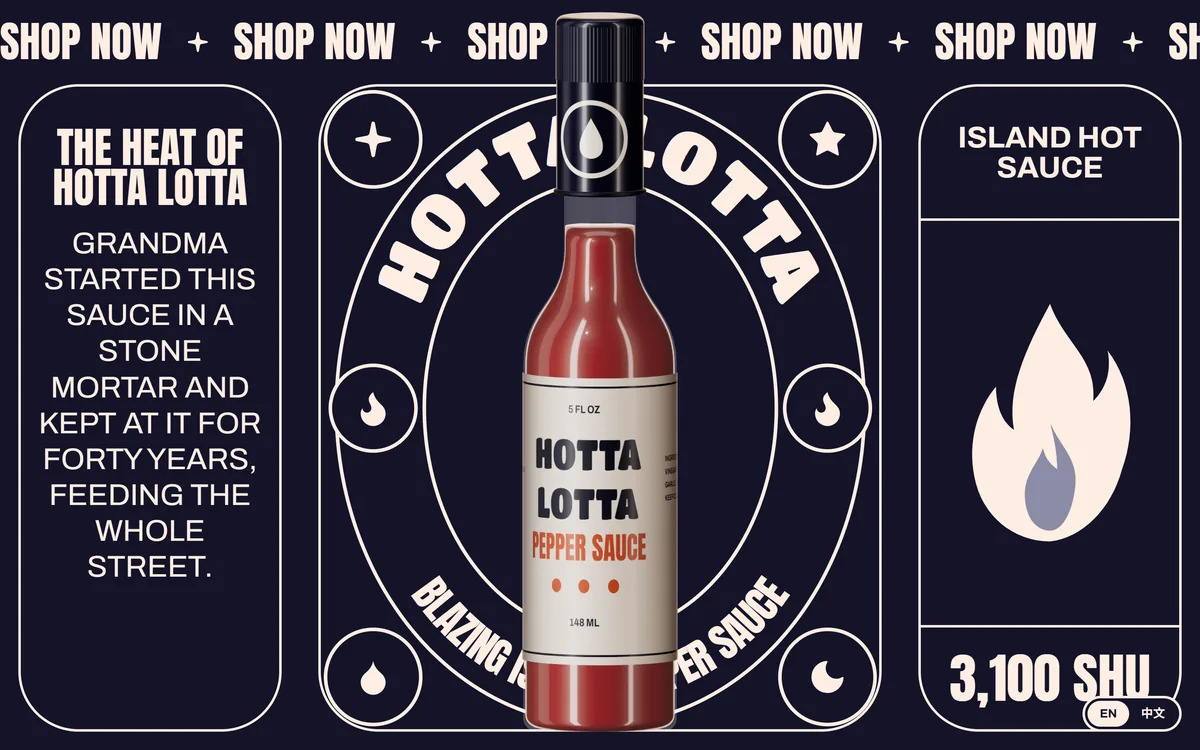
Hotta Lotta · Badge-Grid Hot Sauce Brand Page
Food & drink · Navy & cream two-color / Outlined 72px-radius badges / 576px condensed display type
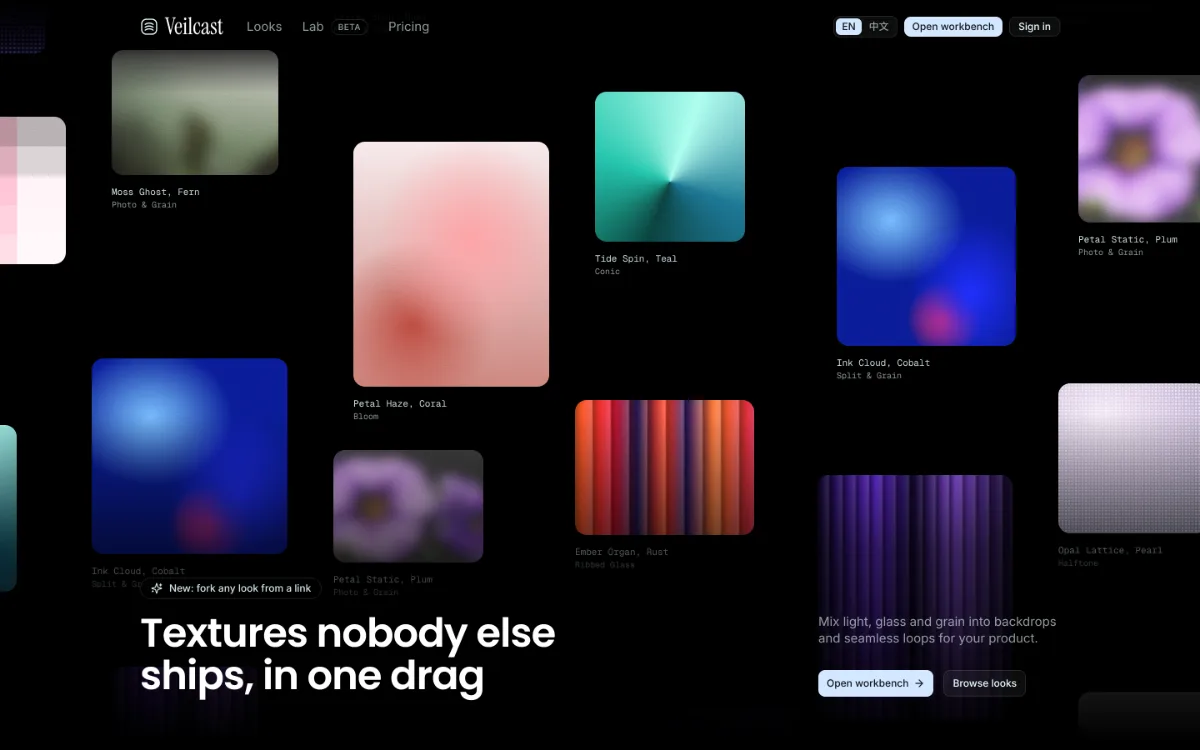
Veilcast · Grainy Gradient Texture Studio SaaS
SaaS · Black canvas / Draggable swatch wall / CSS grain gradients
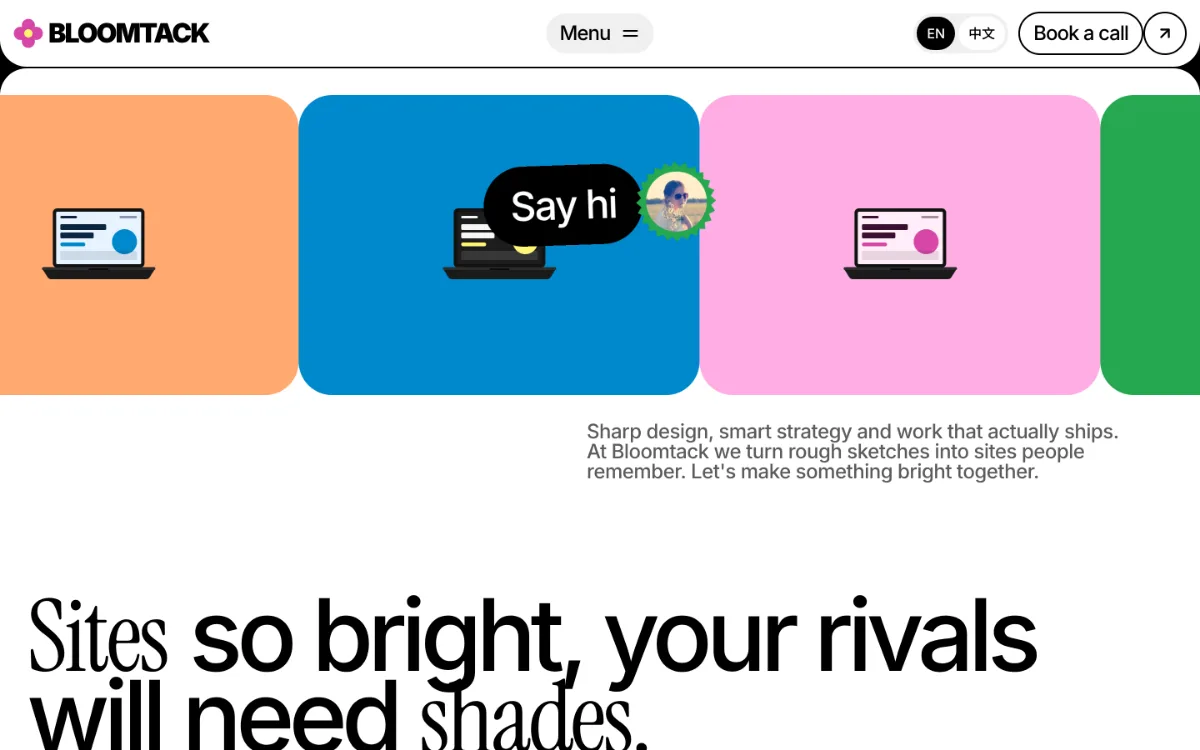
Bloomtack · Colour-Block Studio Site
Portfolio · Colour-block marquees / Mixed serif & sans headline / White panels on black
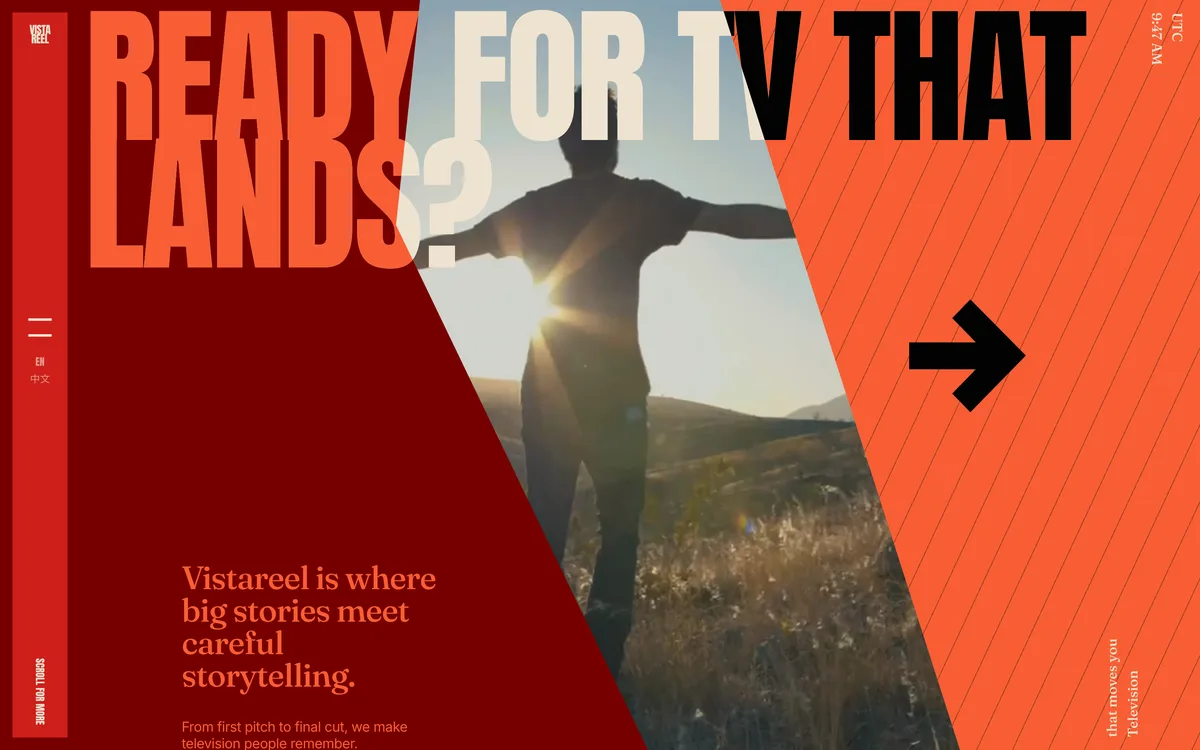
Vistareel · Pinned-Scene Production Company Site
Portfolio · Dark / Poster type / Pinned scenes
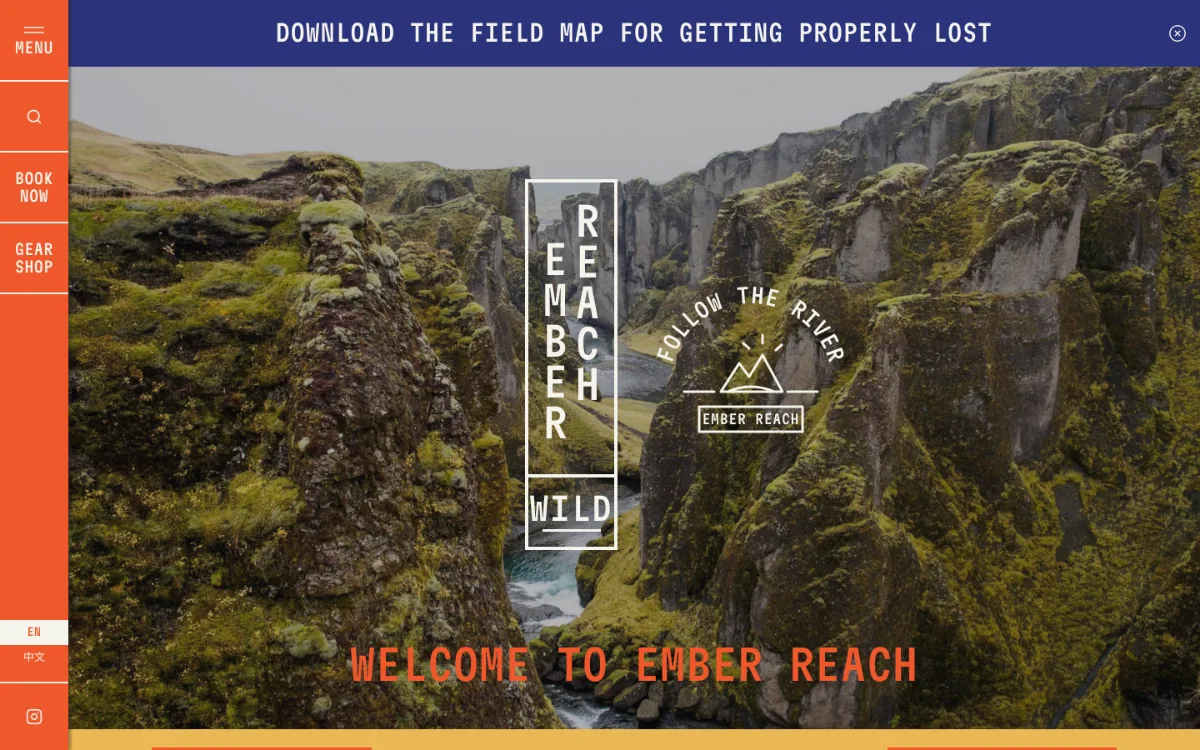
Ember Reach · Orange Side-Rail Regional Tourism Site
Travel · Fixed orange side rail / Full-bleed photo hero / Colour-block grid
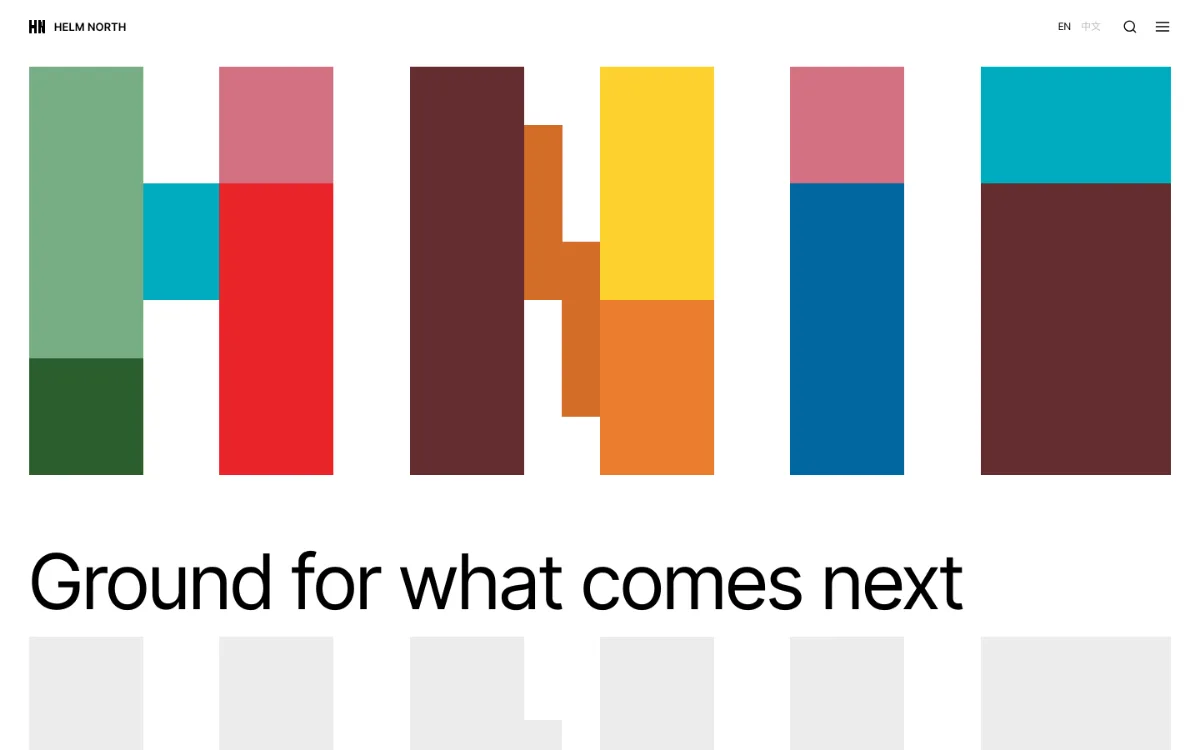
Helm North · Colour-Bar Architecture Studio Site
Real estate · White / Saturated colour bars / Grotesk display type
FAQ
What is Design Vault?
Design Vault is a free, bilingual (English / Chinese) library of front-end templates. Every template has a live preview, a design prompt detailed enough for an AI model to rebuild the page from text alone, and reference source code (React + Tailwind CSS by default).
What does each template include?
A live preview (desktop, tablet and mobile), a design prompt written to a consistent spec, and reference source code. Single-page templates let you copy the HTML, full-site templates come as a zip download, and some templates also include a 3D model.
How do I rebuild a template with Claude, Cursor, ChatGPT or DeepSeek?
Open a template, click "Build with AI" and pick a tool. Design Vault bundles the prompt and source into a build task, copies it to your clipboard and opens the tool, so you only need to paste it to generate the page.
What is the difference between section templates and industry site templates?
Section templates are single page sections (navbars, hero sections, pricing tables, FAQs, footers and more) that you combine into new pages. Industry site templates are complete websites grouped by industry, such as e-commerce, AI, SaaS, portfolio, food & drink and real estate.
Is it free? Do I need an account?
It is free. Browsing and previews need no account. One sample template's prompt, source, full-site zip and 3D model are available with no sign-up, and opening it does not use a free unlock. Sign up free with your email to unlock 1 other template, and invite 1 friend to sign up to unlock every template for good.
Join the Discord community
Request the templates you want, report issues, show off what you built, and hear about new templates first.